Updated: July 2026
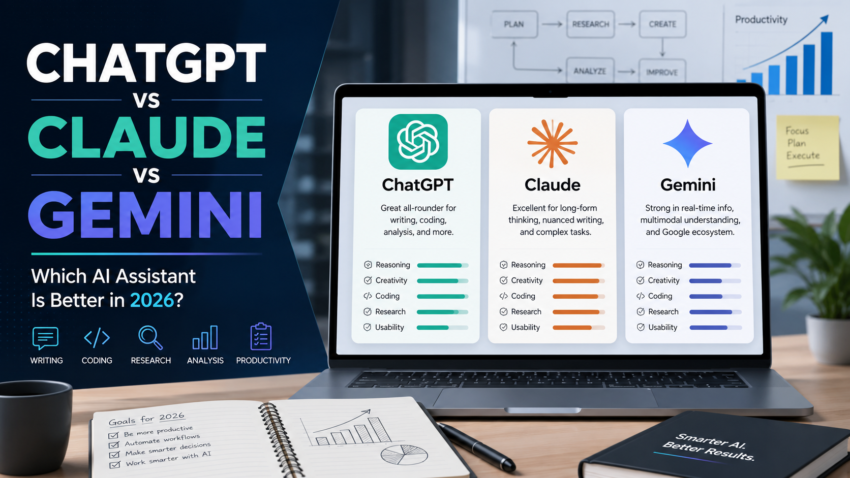
ChatGPT vs Claude vs Gemini is one of the most important AI assistant comparisons in 2026 for users choosing a tool for writing, research, coding, studying, business work, and everyday productivity.
Each assistant can help with similar tasks, but they are not exactly the same. ChatGPT is strong as a flexible all-purpose assistant. Claude is known for natural writing and long-form reasoning. Gemini is useful for users connected to Google products and Google’s AI ecosystem.
This guide is not sponsored. The goal is to help readers compare the tools based on practical use cases, strengths, limitations, and the type of user each tool may fit.
Table of Contents
ChatGPT vs Claude vs Gemini: Quick Answer
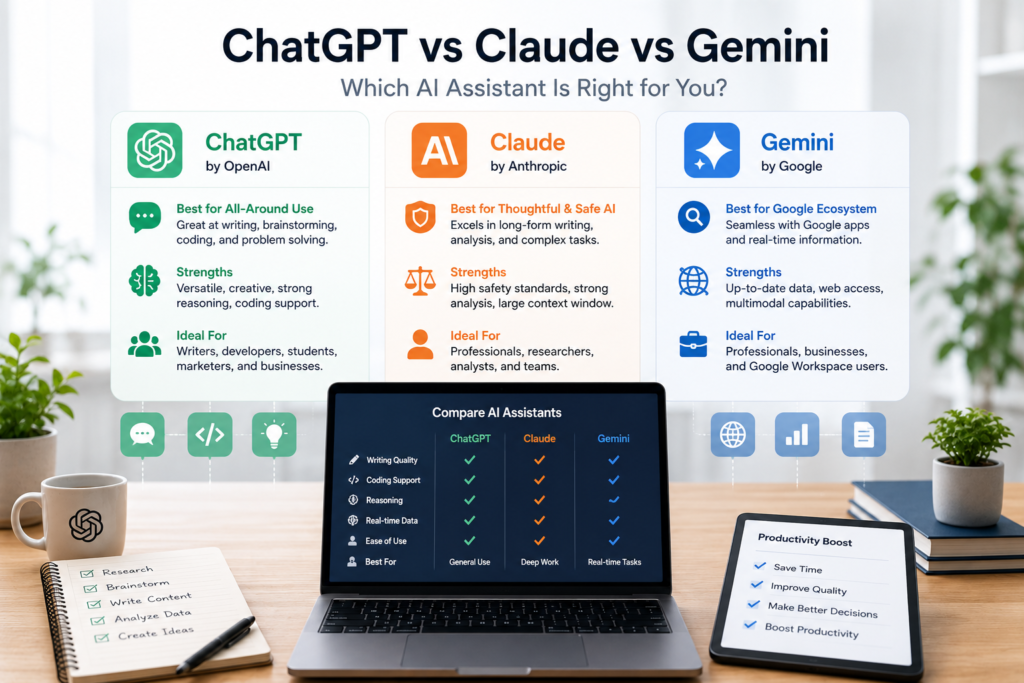
There is no single best AI assistant for everyone.
Choose ChatGPT if you want a flexible AI assistant for writing, brainstorming, coding, productivity, image work, and general daily use.
Choose Claude if you want natural writing, careful explanations, long-form content help, document analysis, and a more conversational writing style.
Choose Gemini if you already use Google tools and want an AI assistant connected to Google’s ecosystem, including Google apps and AI plans.
The best choice depends on your workflow, budget, and the tools you already use.
What Are ChatGPT, Claude, and Gemini?
ChatGPT
ChatGPT is an AI assistant developed by OpenAI. It can help with writing, coding, brainstorming, image generation, file analysis, research support, and general productivity tasks. OpenAI offers multiple ChatGPT plans, including Free, Go, Plus, Pro, Business, and Enterprise options.
Claude
Claude is an AI assistant developed by Anthropic. It is often used for writing, summarizing, analyzing documents, explaining ideas, planning, and coding support. Anthropic offers a Free plan, Pro plan, and higher-capacity Max plans.
Gemini
Gemini is Google’s AI assistant. It can help with writing, research, planning, summaries, creative work, and productivity. Google offers paid AI plans such as Google AI Plus, Google AI Pro, and Google AI Ultra, depending on location and availability.
1. Best for General Use
For general use, ChatGPT is usually the easiest recommendation for many users because it works well across many everyday tasks. It can help with writing, brainstorming, explanations, coding, planning, editing, and creative work.
Claude is also excellent for general use, especially if you prefer a more natural and thoughtful writing style.
Gemini is useful for general tasks too, especially if you already use Google services.
Best choice for general use: ChatGPT
Strong alternatives: Claude and Gemini
2. Best for Writing
Claude is very strong for long-form writing. It often produces natural, structured, and readable text. For blog posts, essays, explanations, article rewrites, and professional writing, Claude can be a strong option.
ChatGPT is also excellent for writing. It is useful for outlines, blog drafts, email replies, product descriptions, social media captions, and marketing content.
Gemini can help with writing too, especially for users who work inside Google tools.
Best choice for natural writing: Claude
Best flexible writing assistant: ChatGPT
Best for Google users: Gemini
3. Best for Business Productivity
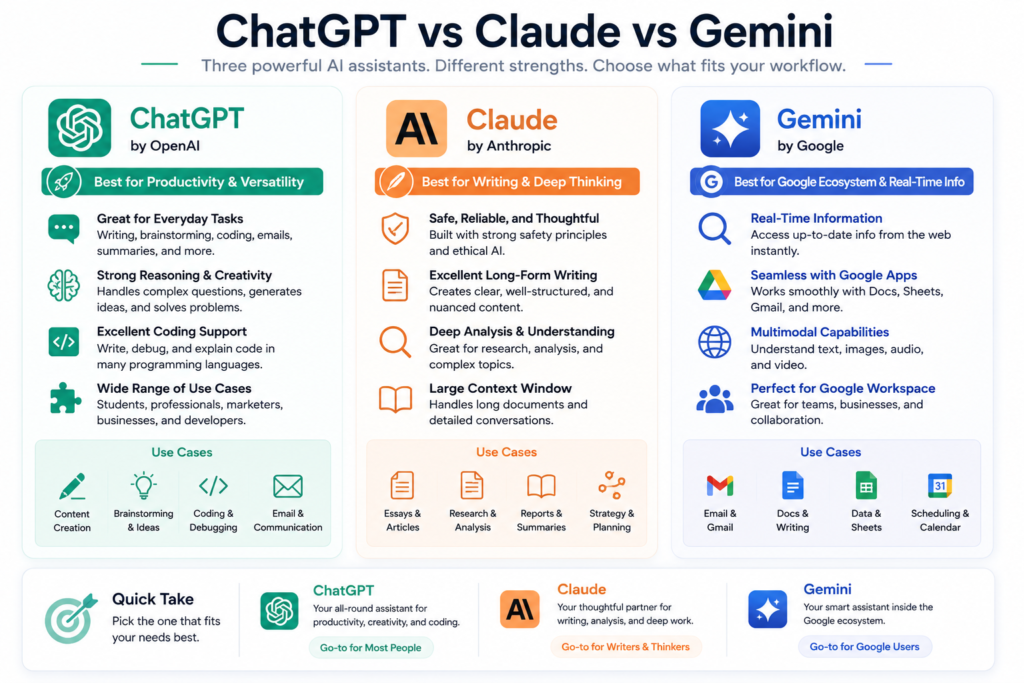
For small businesses, ChatGPT is useful because it can support many business tasks in one place. It can help write emails, prepare blog outlines, create marketing ideas, draft customer replies, summarize documents, and plan workflows.
Claude is useful for businesses that need careful writing, document review, strategy notes, summaries, and long-form content.
Gemini is useful for businesses that already depend on Google Workspace, Gmail, Docs, Drive, and related Google tools.
Microsoft Copilot is also worth mentioning here. It is not one of the three tools in this comparison, but it may be better for companies that work heavily inside Word, Excel, Outlook, PowerPoint, and Teams. Microsoft sells Microsoft 365 Copilot as part of its business productivity ecosystem.
4. Best for Research
For research, all three tools can help summarize topics, explain concepts, compare options, and generate questions. However, users should always verify important information, especially prices, laws, health advice, financial information, and current events.
ChatGPT is useful for structured research, summaries, and explaining complex topics.
Claude is useful for reading and explaining longer documents.
Gemini may be useful for users who prefer Google’s search and product ecosystem.
Best research advice: use AI as a starting point, not as the final source.
5. Best for Coding
ChatGPT is widely used for coding help. It can explain code, debug errors, write scripts, generate examples, and help users learn programming concepts.
Claude is also strong for coding explanations and can be useful when working through larger blocks of text or code.
Gemini can help with coding too, especially for users inside Google’s developer ecosystem.
Best choice for coding beginners: ChatGPT
Best for code explanation and reasoning: ChatGPT or Claude
Best for Google ecosystem users: Gemini
6. Best for Students
Students can use all three tools for studying, explanations, summaries, quiz preparation, writing outlines, and understanding difficult topics.
ChatGPT is useful for explanations, examples, study plans, and practice questions.
Claude is useful for writing feedback and long explanations.
Gemini is useful for students already using Google Docs and Google Drive.
Students should not copy AI-generated work directly. The best use is to learn, organize ideas, and improve understanding.
7. Best for Small Businesses
For small businesses, the best tool depends on the work.
Use ChatGPT for general business support, content ideas, emails, marketing drafts, planning, and customer message templates.
Use Claude for professional writing, long-form documents, summaries, and careful explanations.
Use Gemini if your business already uses Gmail, Google Docs, Google Sheets, and Google Drive.
A small business should not pay for many AI tools at once. Start with one assistant, test it on real work, and measure whether it saves time or improves quality.
Pricing and Plans
Pricing changes often, so always check the official websites before subscribing.
ChatGPT has several plan levels, including Free, Go, Plus, Pro, Business, and Enterprise options. The public pricing page lists Free, Go, Plus, and Pro plans with different usage levels and features.
Claude offers a Free plan, Pro plan, and Max plans with higher usage capacity. Anthropic’s support page lists Claude Free at $0, Pro at $20/month, and Max options at higher monthly prices.
Gemini is available through Google AI plans, including Google AI Plus, Google AI Pro, and Google AI Ultra in supported regions. Google’s plan pages list paid AI options with different storage and AI access levels.
ChatGPT vs Claude vs Gemini Comparison Table
| Feature | ChatGPT | Claude | Gemini |
|---|---|---|---|
| Best for | General productivity | Natural writing | Google ecosystem |
| Writing quality | Strong | Very strong | Good |
| Coding help | Strong | Strong | Good |
| Research support | Strong | Strong | Good |
| Business use | Very useful | Very useful | Useful for Google users |
| Best user type | General users, creators, businesses | Writers, researchers, professionals | Google Workspace users |
| Free option | Yes | Yes | Yes |
| Paid plans | Yes | Yes | Yes |
Pros and Cons
ChatGPT Pros
Flexible for many tasks
Good for writing, coding, planning, and brainstorming
Useful for small businesses and creators
Multiple plan options
Strong general-purpose assistant
ChatGPT Cons
Can still make factual mistakes
Advanced features may require paid plans
Users should verify important information
Claude Pros
Natural writing style
Strong for long-form content
Good for careful explanations
Useful for document analysis and summaries
Clear and conversational responses
Claude Cons
Usage limits depend on plan
Some users may prefer other tools for coding or image-related tasks
Availability and features may vary by region or plan
Gemini Pros
Useful for Google users
Connected to Google’s AI ecosystem
Helpful for writing, planning, and productivity
Paid plans include different AI and storage benefits depending on plan
Gemini Cons
Best value depends on how much you use Google products
Features and availability may vary by country
Some users may prefer ChatGPT or Claude for writing style
ChatGPT vs Claude vs Gemini: Which One Should You Choose?
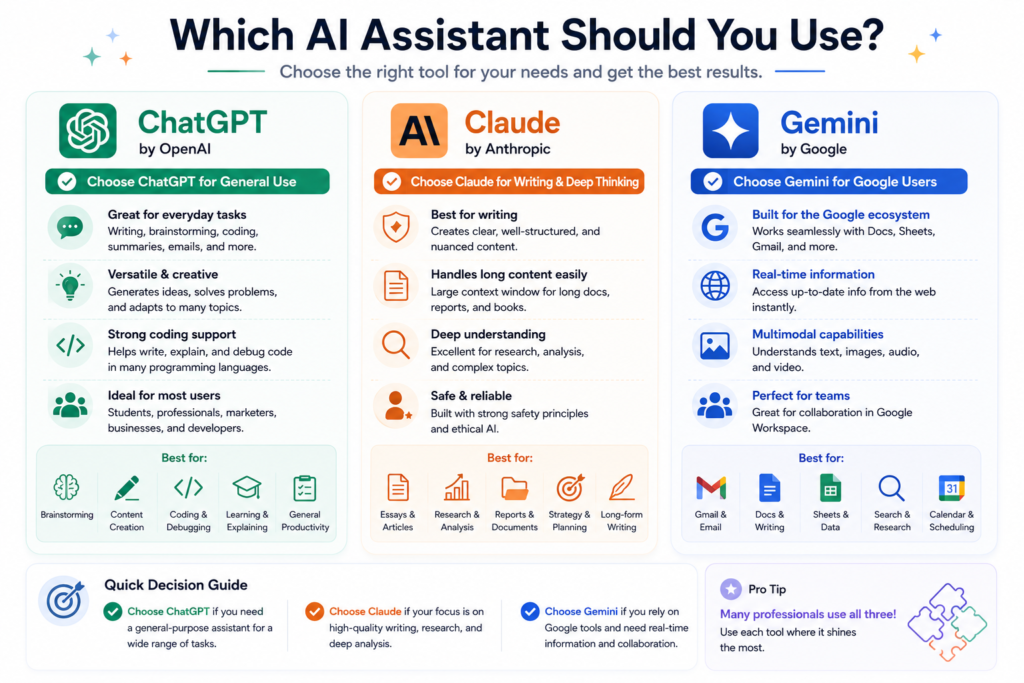
Choose ChatGPT if you want one flexible assistant for daily tasks, business content, coding help, brainstorming, writing, and productivity.
Choose Claude if you write a lot and want natural, clear, and thoughtful text. It is a strong option for writers, students, professionals, and people working with longer documents.
Choose Gemini if you already use Google tools and want an AI assistant that fits into that ecosystem.
For many users, the best approach is to test the free versions first. Try the same task in all three tools, compare the answers, and choose the one that fits your work style.
ChatGPT vs Claude vs Gemini: Final Verdict
ChatGPT, Claude, and Gemini are all powerful AI assistants. The best one depends on your needs.
For most general users, ChatGPT is a strong first option.
For writing and long-form text, Claude is excellent.
For Google users, Gemini may be the most convenient.
The smartest choice is not always the most popular tool. The best AI assistant is the one that helps you work faster, write better, understand more clearly, and complete real tasks with less effort.
ChatGPT vs Claude vs Gemini: Pricing and Plans
AI models, features, limits, and subscription prices change frequently. Consult these official sources for the latest information:
- OpenAI — ChatGPT Plans and Pricing
- Anthropic — Claude Plans and Pricing
- Google — Gemini AI Assistant
- Google — Gemini Subscription Plans
- Microsoft — Microsoft 365 Copilot Plans
Sources checked: July 2026.